A roadside radar speed sensor is useful only if it supplies relevant speed information at the part of the approach where a sign or warning can still help the driver. For HC-TR20 projects, start with the road layout and required response position, then choose the mounting geometry and filtering settings. The longest possible detection distance is not automatically the best operating setup.
This guide explains how to plan roadside installation, reduce unwanted responses and check the result in normal traffic. It focuses on speed-feedback signs and roadside warnings rather than multi-lane vehicle identification or enforcement evidence.
1. Define the road section that needs a speed response
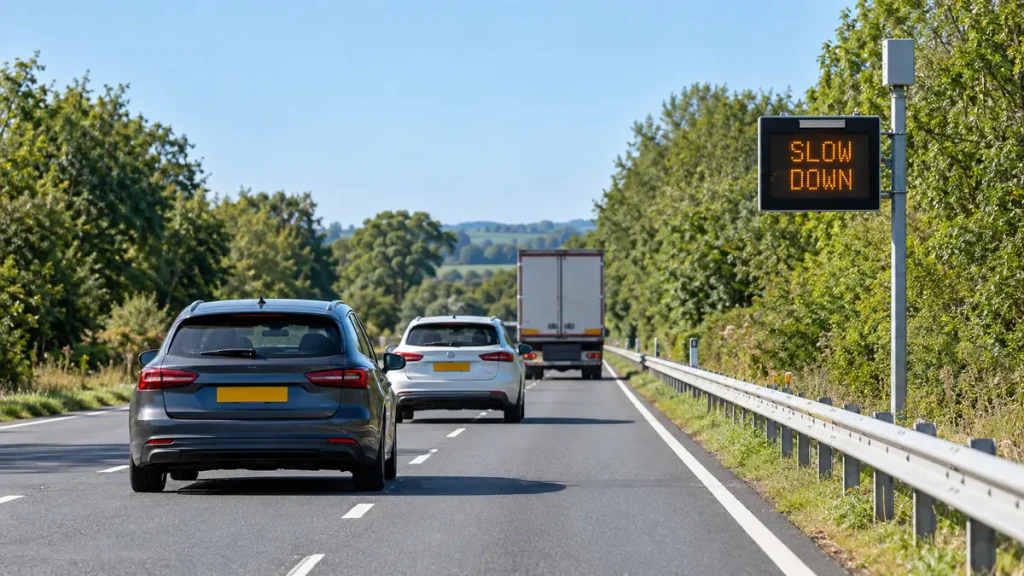
Mark where an approaching driver should first receive the message and where the warning stops being useful. For a bend, the useful section is on the approach before the bend, not simply wherever a pole happens to be available. For a driver-feedback sign, check both sensor coverage and whether the message can be seen and understood from the intended approach.
Draw the monitored direction, lane layout, roadside paths, side roads and any parallel traffic that could enter the radar view. This shows whether the installation can mainly observe the intended flow or will routinely include several competing movements.
HC-TR20 provides a single speed output, with the strongest-signal target selected by default. That may be a larger vehicle or a nearer vehicle; it is not a guarantee of the nearest or fastest vehicle. A simple approach-warning application can use this behaviour, while a requirement to identify each vehicle in a particular lane needs a different sensing and association approach.
For initial range planning, allow about 200 m for passenger cars; larger vehicles may be detected farther away. Around 100 m is an estimate for motorcycles. Use these as application references, not identical coverage boundaries for every vehicle, and verify usable output in the required road section.
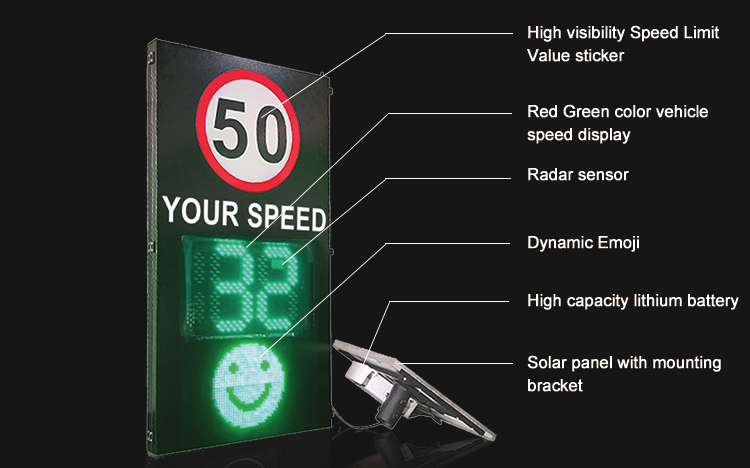
For the complete sign system, including display and controller roles, see how radar speed signs work.
2. Roadside mounting works when the sensor looks along the approach
HC-TR20 can be installed beside the road. The important distinction is between being located beside the carriageway and being aimed straight across it. Use a stable roadside position from which the sensor can observe vehicles travelling towards or away from it along the intended section.
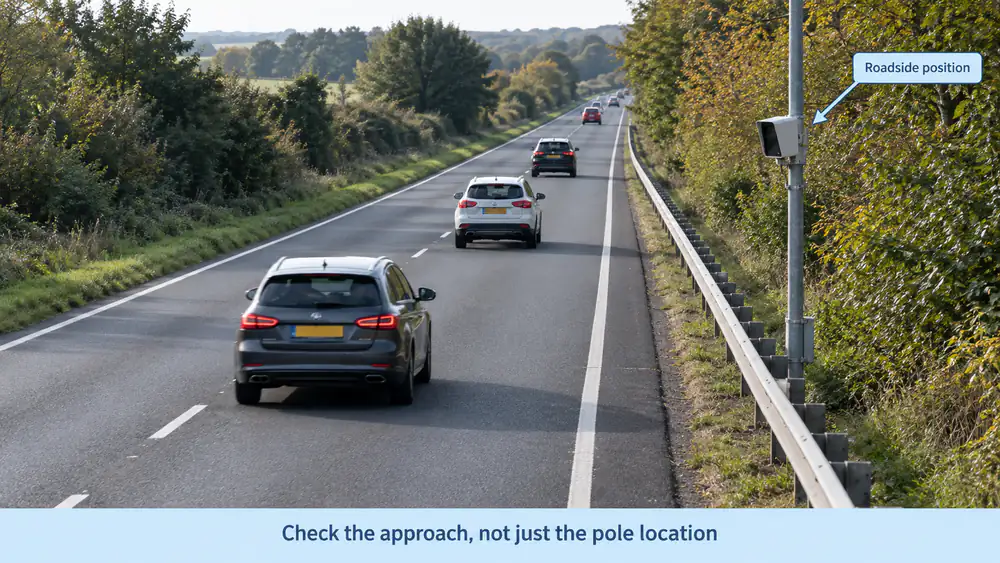
Doppler speed measurement responds to the component of vehicle motion along the sensor-to-vehicle line of sight. A larger angle between that line and the vehicle’s movement reduces the uncompensated reading. The angle also changes as the vehicle moves past a roadside installation, so a good reading farther up the road does not establish the same geometry immediately beside the pole.
In practical terms:
- Choose the observation section first. Check the view to vehicles there before finalising the pole or bracket location.
- Aim along the intended movement. Avoid a mainly cross-road view when the purpose is to measure vehicles progressing along the approach.
- Check near and far positions. Verify the useful section rather than judging alignment from a vehicle passing directly beside the sensor.
- Account for curves and gradients. The vehicle heading, radar sightline and available visibility can change across the approach.
Angle compensation is available in the documented HC-TR20 configuration. Use it for a known installation geometry, not as a substitute for sensible aiming. One compensation setting cannot make every vehicle position, lane and curve segment share the same angle, and it cannot correct a response originating from an unintended vehicle.
3. Check what the complete installation can actually see
Inspect the sensor’s view from its installed position, not just the view from a convenient camera or from ground level. A guardrail, cabinet, sign structure, vegetation or the enclosure itself may affect the required direction. Large vehicles can also obstruct smaller vehicles in adjacent or following positions.
Choose mounting height and orientation together. Raising the unit may help some obstructions but changes the vertical geometry; lowering it may simplify access while increasing exposure to nearby objects and vehicle shielding. The right position is the one that gives usable observations over the required road section.
Road width matters as well. A beam that includes several lanes does not provide lane-by-lane target tracking. If the site needs a warning associated only with one lane, first assess whether the physical layout can sufficiently separate that lane from neighbouring traffic. Do not assume a software adjustment will supply spatial discrimination that the output does not provide.
For a curve warning installation, inspect the approach before the curve and the point where the warning must be delivered. A sensor with a clear view of traffic after the curve does not solve an upstream warning requirement.
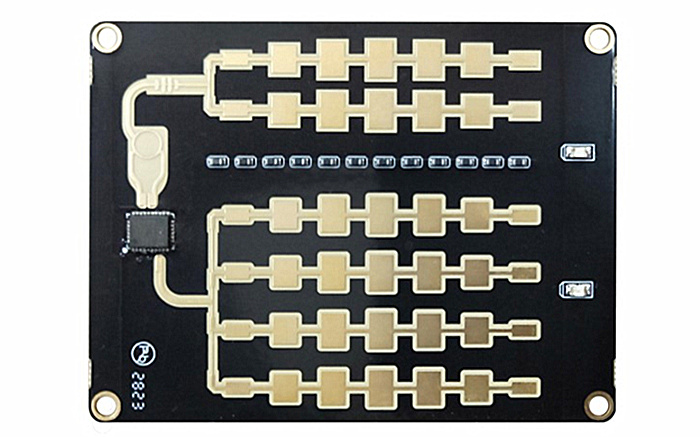
HC-TR20 is normally supplied as a PCBA; the protective enclosure is optional. Protect the board appropriately for the installation and confirm that the chosen housing and mounting hardware do not compromise the radar view. Test the assembled installation, not only an exposed board on a bench.
4. Use each filter for the condition it can actually distinguish
The practical aim is to reduce irrelevant responses while keeping the vehicles needed for the application. Start with direction and road geometry, then adjust other settings against observed traffic rather than changing everything at once.
| Unwanted response | Useful adjustment | Important limit |
|---|---|---|
| Vehicles travelling away from an approach-facing sign | Select approaching-only operation when that matches the application | Direction selection does not separate two vehicles travelling in the same direction |
| Movement below the application’s required detection speed | Review the minimum-speed setting | It excludes movement by speed, not by vehicle or object category |
| Responses from weak returns outside the useful approach | Review aiming and reduce sensitivity where appropriate | Sensitivity is not a precise distance or lane boundary and may also reduce wanted detection |
| Responses correlated with bracket vibration or nearby oscillating equipment | Secure the installation, investigate the source, then assess anti-vibration settings | More restrictive filtering can also suppress wanted short movements |
| Vehicles in an adjacent lane or on a parallel road | Improve mounting position and orientation, then assess the remaining overlap | Do not promise lane-specific rejection from direction and sensitivity controls alone |
Filtering a pedestrian, bicycle or motorcycle is not simply a matter of enabling a vehicle-type switch. The controls described above act on direction, speed or response conditions; they are not a documented object-classification function. If an unwanted object and a required vehicle satisfy the same conditions, these settings may not separate them.
Similarly, lowering sensitivity is not equivalent to setting an exact maximum distance in metres. A stronger return can remain detectable while a weaker wanted target is lost. In the documented HC-TR20 sensitivity setting, increasing the setting value reduces sensitivity; confirm the convention for the supplied firmware before making changes.
Keep the radar’s minimum detection speed separate from a controller’s warning threshold. The first determines which movements can produce the relevant radar output; the second determines when the application displays or activates a warning. Setting the first too high may remove useful approach information before the controller receives it.
5. Diagnose the observed pattern before changing the installation
Use representative observations to identify the next check. A symptom points to an investigation; it does not prove the sensor hardware is faulty.
| What you observe | Check first | What to change or verify |
|---|---|---|
| Useful readings start later than the application needs | Obstructions, approach alignment, required vehicle types and current sensitivity | Improve the view or adjust sensitivity, then verify the required response section again |
| Readings reduce as vehicles draw alongside the installation | Changing line-of-sight angle and the intended measurement section | Evaluate speed in the planned approach section; review location, aiming and compensation |
| Readings change during side-by-side or closely following traffic | Which movements share the radar view and what the application expects the output to represent | Test the road layout against the intended warning behaviour, rather than assuming one output identifies one particular lane |
| Warnings occur when the intended approach appears empty | Other traffic in view, moving surroundings, mounting stability and corresponding records | Identify the source before tightening direction, speed or sensitivity settings |
| Filtering improves unwanted responses but small vehicles disappear | The last changed setting and the vehicles it may now exclude | Restore the previous configuration, assess the physical layout and retest the required vehicle mix |
| The display keeps a speed after fresh radar updates stop | Controller data-age and display-reset behaviour | Correct stale-data handling rather than increasing radar sensitivity |
Keep the original configuration and change one relevant factor at a time. Do not conceal a sensing or site-selection issue by holding a convenient speed value on the display for longer.
6. Verify the application in traffic, not just the connection on a laptop
First record the installed position, aiming, active settings and the section where a response is required. Then observe the complete sequence: a vehicle approaches, the radar supplies usable speed information, and the sign or warning responds at the required point.
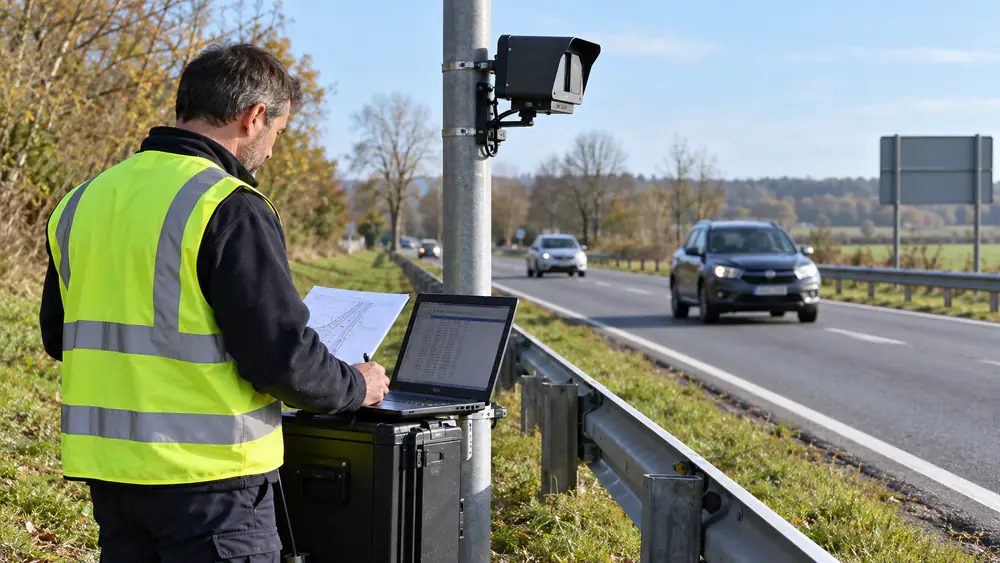
Include the conditions that matter to the site:
- Vehicles entering the intended approach and traffic outside that approach.
- The required vehicle mix, including smaller vehicles if the application must respond to them.
- Quiet traffic, close following and side-by-side movements where these occur.
- Relevant direction changes, roadside activity and environmental movement.
- Operation before and after any change to mounting, sensitivity or filtering.
Record the time, road position, traffic situation, available radar output and actual warning response. Use video for context where permitted. If several simultaneous vehicles prevent a reliable association with one output, record that limitation instead of treating the closest visible car as the confirmed source.
For a speed comparison, use an appropriate synchronised reference and comparable measurement geometry. Ordinary visual estimates are not an accuracy test. If organising controlled passes, agree a safe test plan and follow the site’s operating requirements.
Judge success against the application: useful response position, required movements detected, unwanted responses controlled and timely clearing or updating of the warning. Do not accept a quieter display if required vehicles are also being suppressed. Repeat the relevant checks with a fresh sample after an adjustment.
7. Decide whether a single-speed sensor fits the project
HC-TR20 is a practical option when a speed-feedback sign or roadside warning needs a speed-and-direction input and the site layout can support the intended response. It does not replace a system that must continuously identify and track each vehicle across several lanes.
When the requirement includes individual vehicle coordinates, trajectories and lane association, discuss a multi-target traffic radar such as HC-M150 and the associated system design. Neither the number of lanes inside a beam nor the maximum range figure alone resolves that requirement.
The basic electrical connection is straightforward: HC-TR20 supports RS485 or 3.3 V TTL UART at 9600 bps, with a 9-24 V DC supply. Match the interface to the controller and use the documentation supplied with the unit. Detailed communication definitions can be obtained through technical support.
Before requesting a recommendation, provide a road sketch, monitored direction, required response section, typical traffic conditions, mounting options and the movements that must be excluded. Those details allow a more useful recommendation than a request for the longest-range sensor alone.
The objective is a usable speed response in the right part of the road. Establish that with installation geometry, appropriate filtering and a representative field check before finalising the configuration.